Some students’ complete coursework, receive a mark and credit, and then do not take any additional courses. As a result, they are withdrawn from the school. However, in the batch file, their completed course information is being reported as dropped, with a mark of 0 and 0 credits.
To correct this issue:
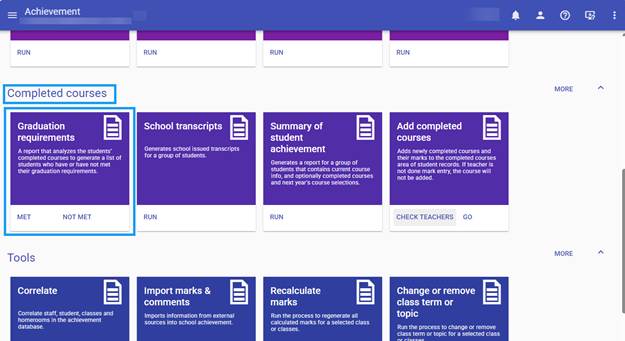
- From the hamburger menu, go to Achievement → Completed Courses → Graduation Requirements.
- Run this process.
- The process will identify withdrawn students who may have completed courses that need to be included in the batch file.
- This will ensure that the completed course information is sent correctly to the Ministry.