
Issue
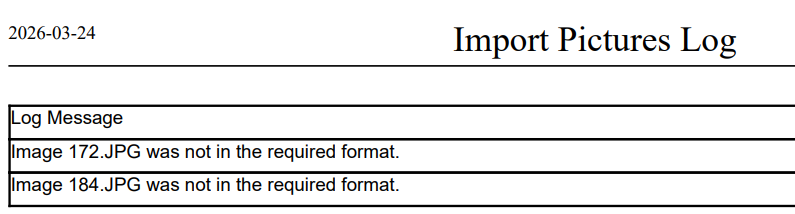
The Import Student Pictures fails with 'not in the required format' error
Solution:
If the import fails because of a format error, try resizing the image to a different dimension. For example, change it from 480 × 640 to 960 × 1280. In many cases, the issue is related to the image’s compression rather than the image content itself
Tip: To check whether an image has issues, try uploading it manually to the student record. Images with format-related problems will usually return an error.